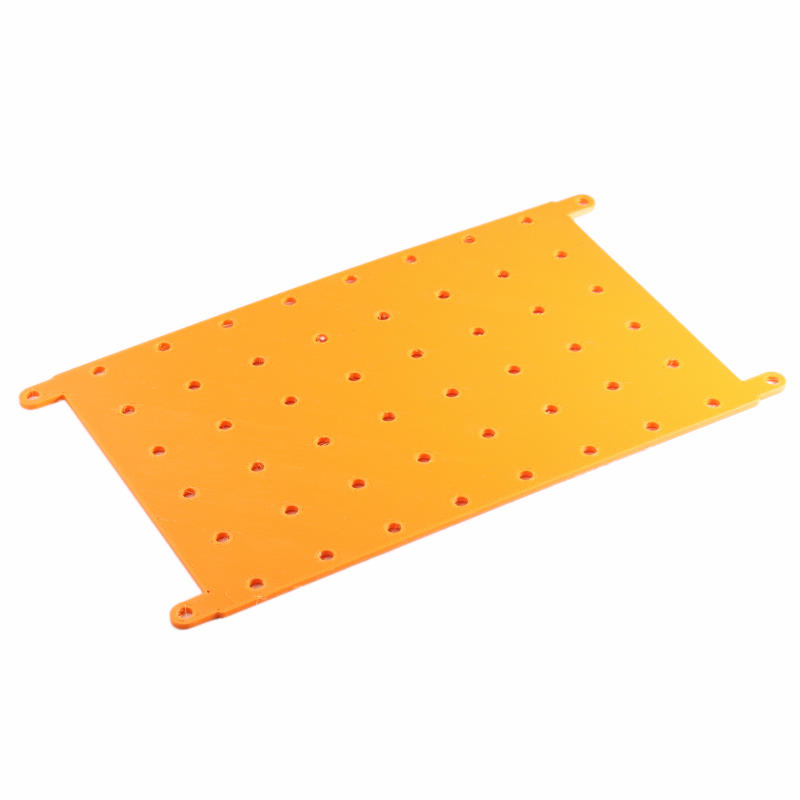
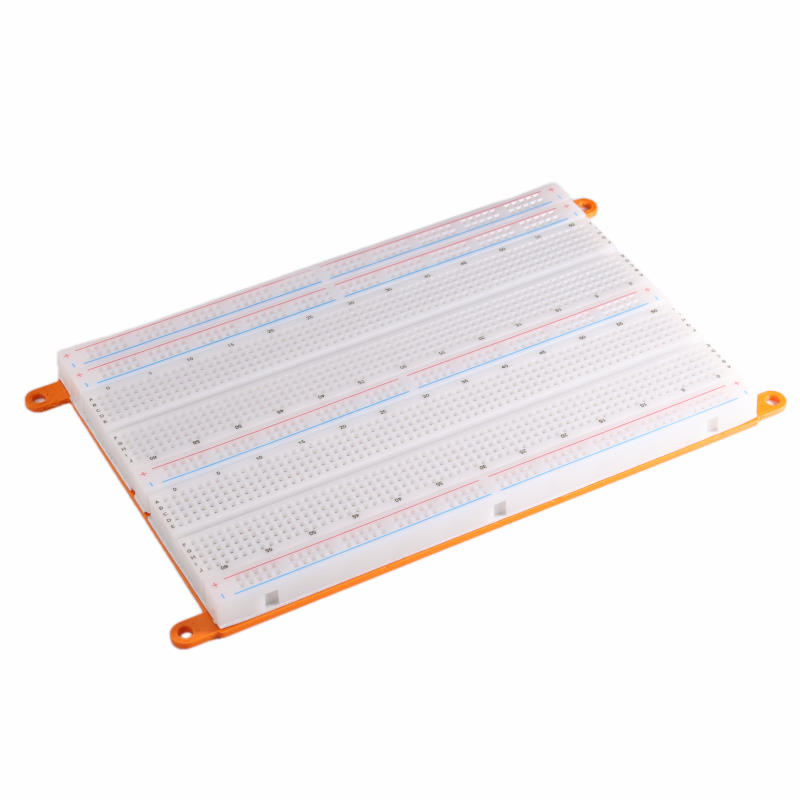
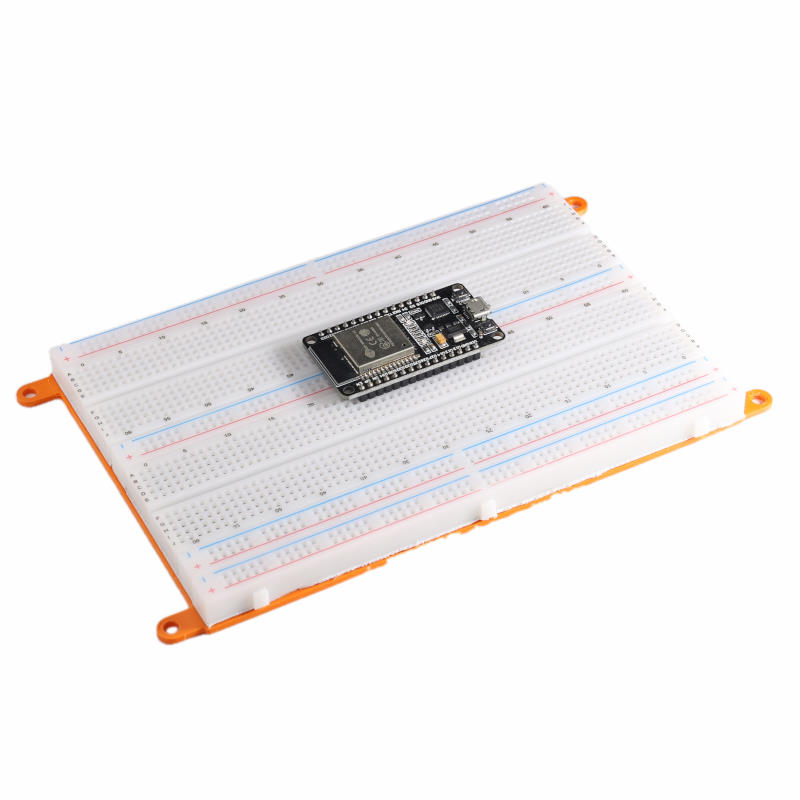
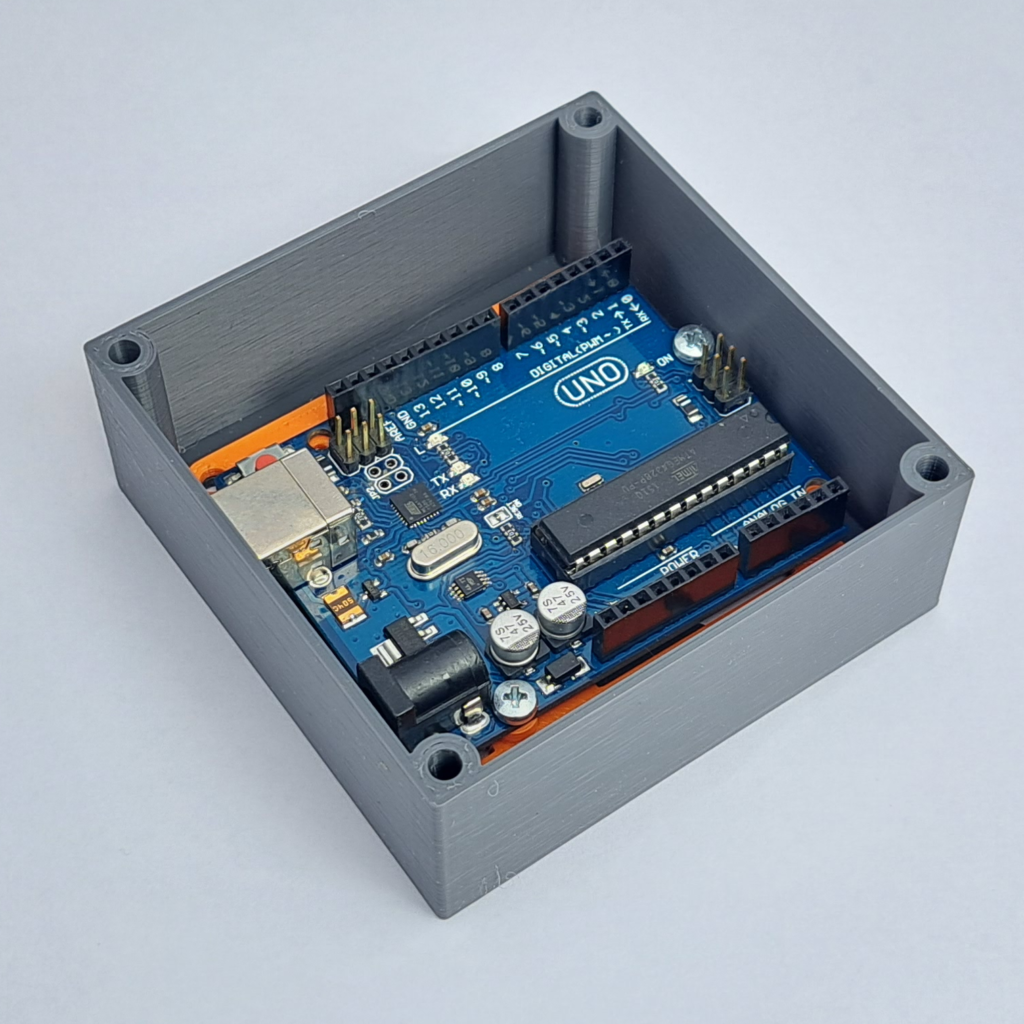
With Inserts, you can mount a board in a box. For example, Arduinos, Raspberry Pis, ESPs, and protoboards.
The mounting holes of the inserts are always one outside the circuit board because sometimes component pins may protrude. If there’s a metal screw underneath, you’re immediately in trouble (short circuit).
The inserts are just extended to the outer dimensions of the board, which may mean there is no room for the connectors. Choose a larger box if you want to connect a USB plug to an Arduino.
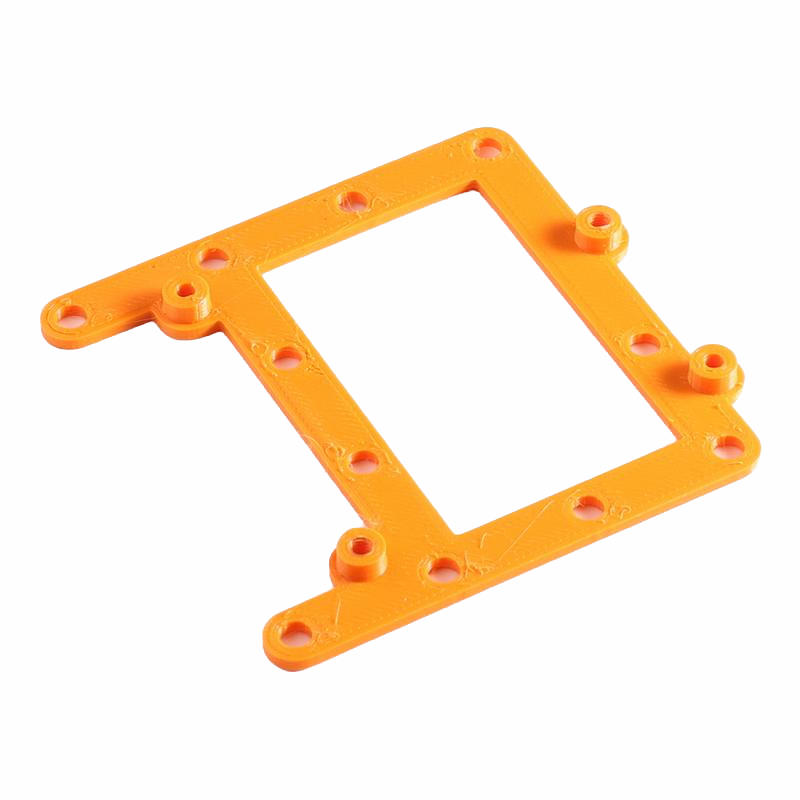
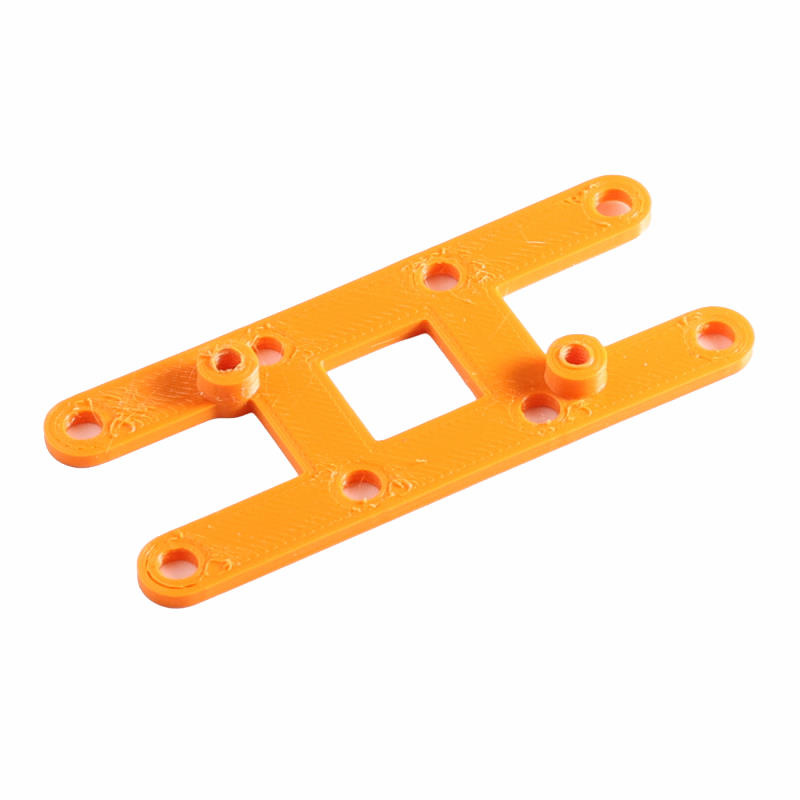
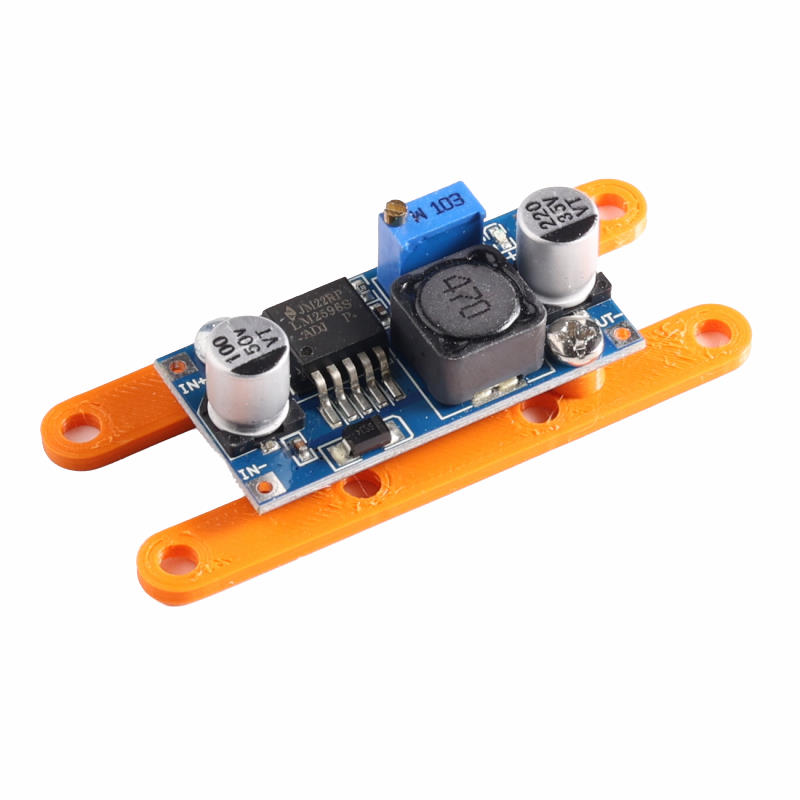
2×1 Power board
A 2×1 Insert for a power board.
Download the STL file: Insert 2×1 Powerboard.stl
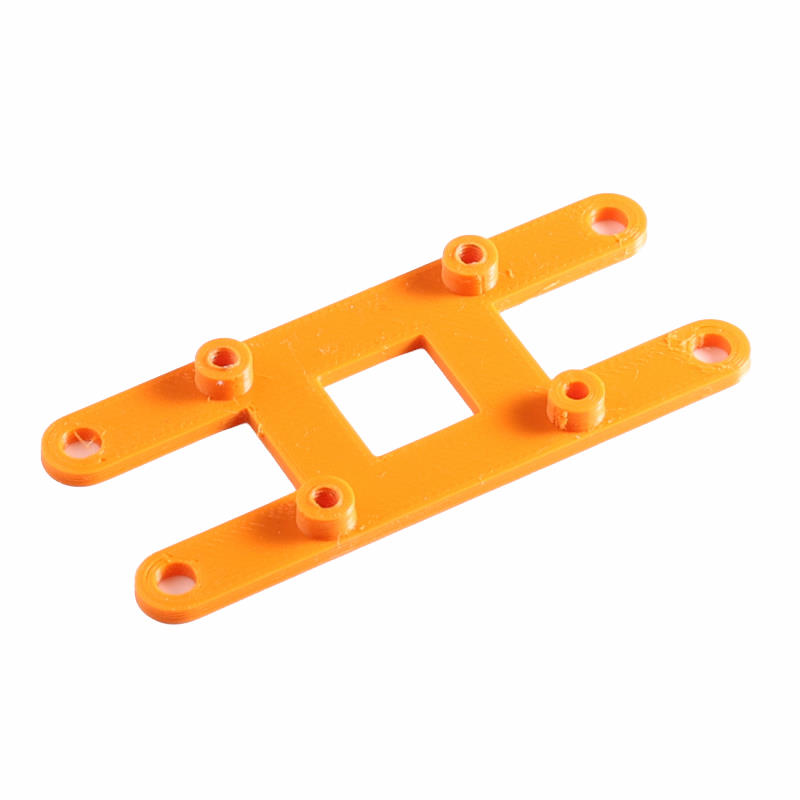
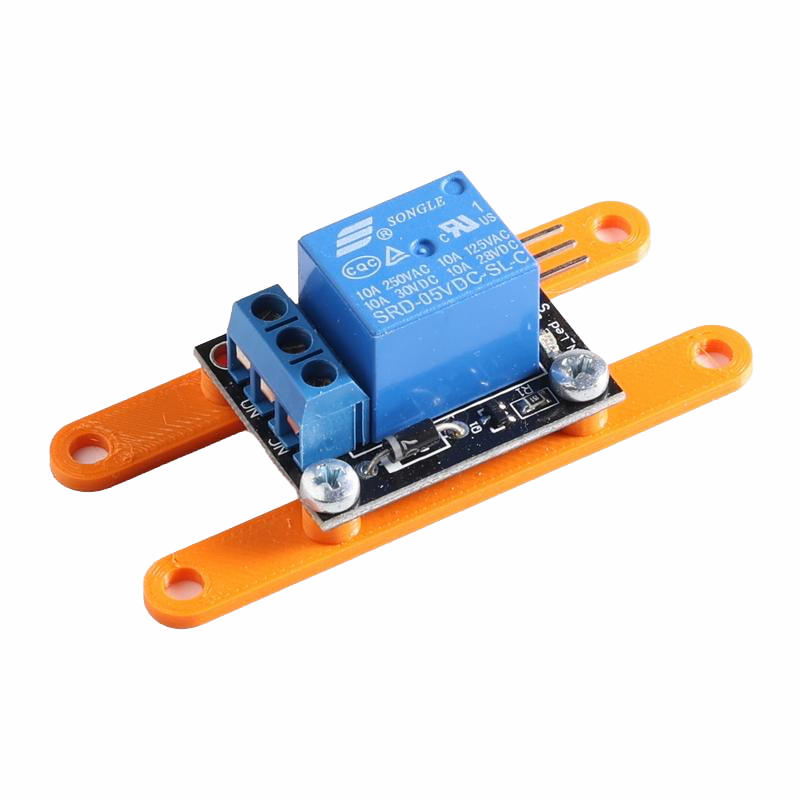
2×1 Relay Board Songle
A 2×1 Insert for a Relayboard with 1 relay.
Download the STL file: Insert 2×1 Relayboard Songle.stl
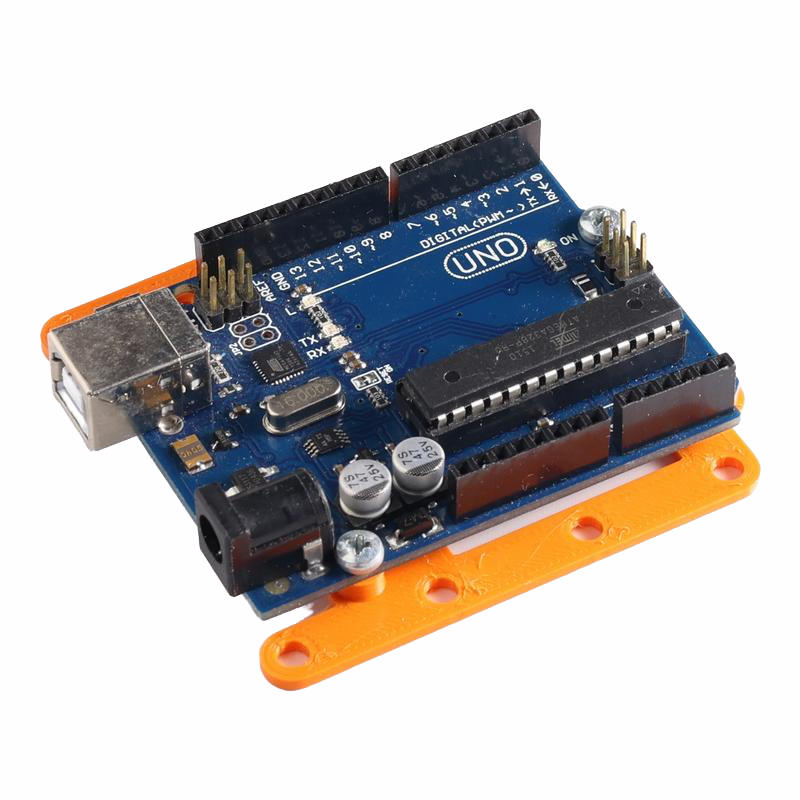
2×2 Arduino Uno
A 2×2 Insert for Arduino Uno or alternatives with the same form factor.
Download the STL file: Insert 2×2 Arduino Uno.stl
2×2 ESP32 Goouuu Expansion Board
A 2×2 Insert for an ESP32 Expansion Board from Goouuu.
Download the STL file: Insert 2×2 ESP32 expansion board.stl
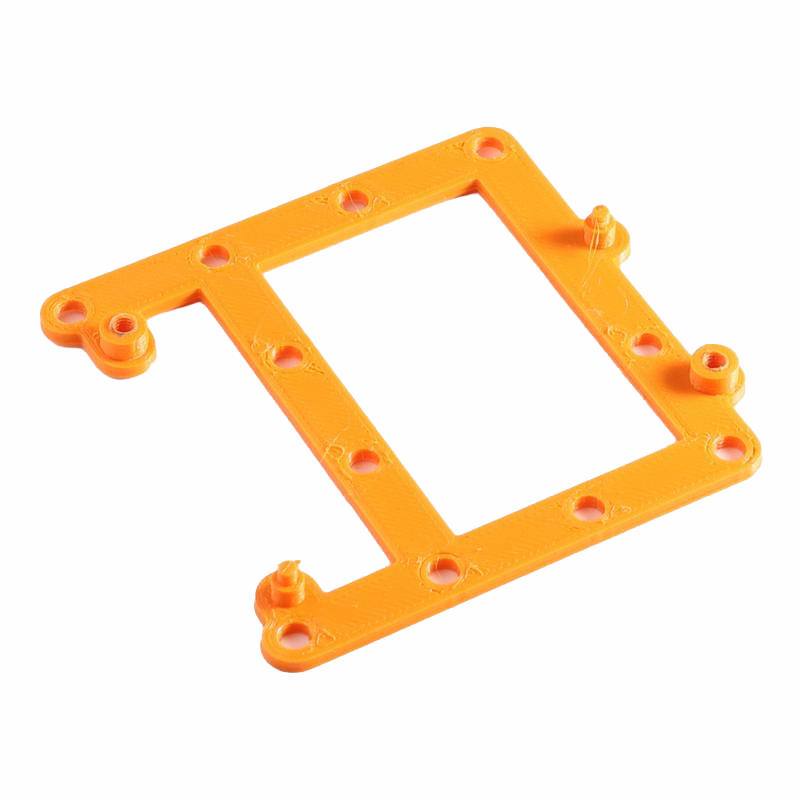
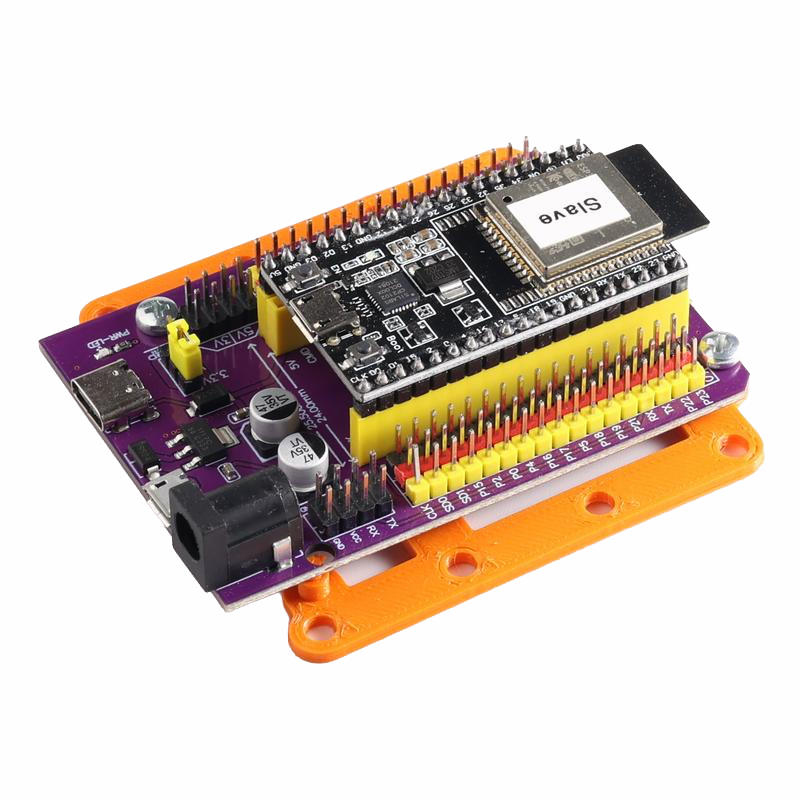
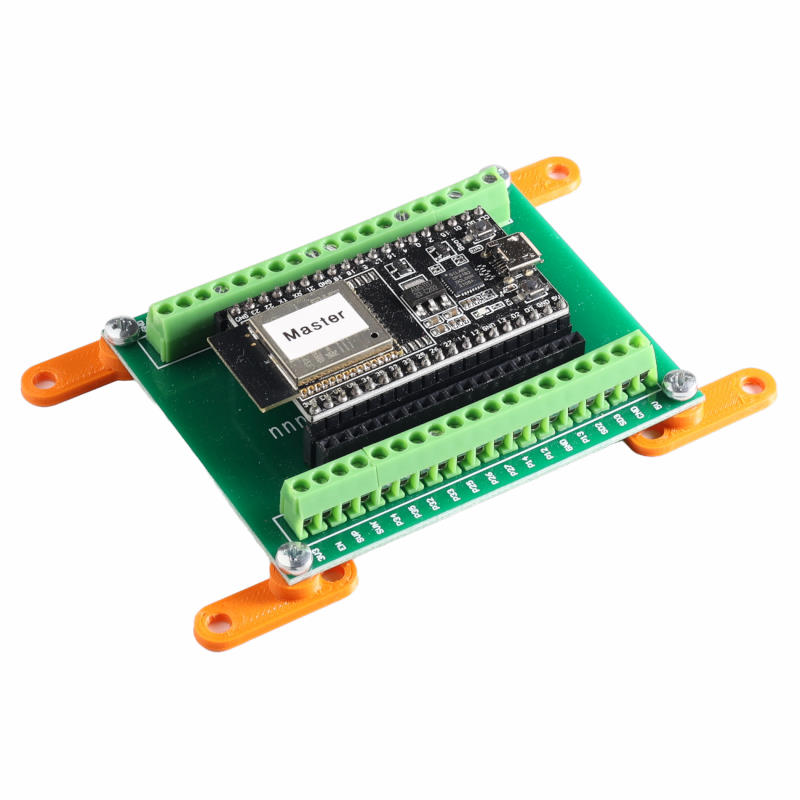
2×2 ESP32 Goouuu Terminal Adapter .
A 2×2 Insert for an ESP32 Terminal Adapter from Goouuu.
Download the STL file: Insert-3×2-ESP32-Terminal-Adapter.stl
2×2 Motor driver LM298N
A 2×2 Insert for a LM298N motor driver.
Download the STL file: Insert 2×2 Motor driver L298N.stl


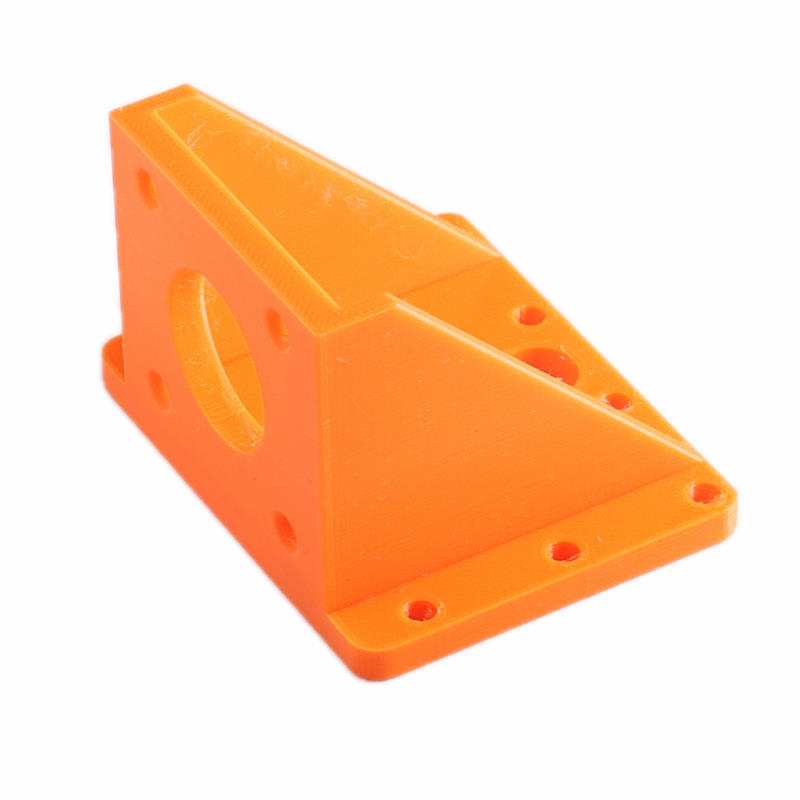
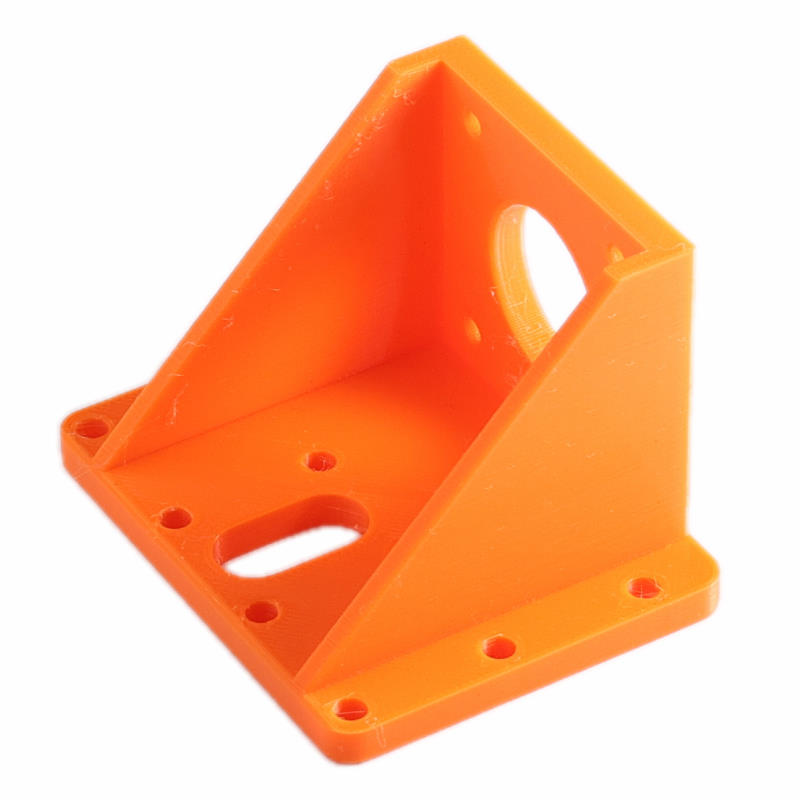
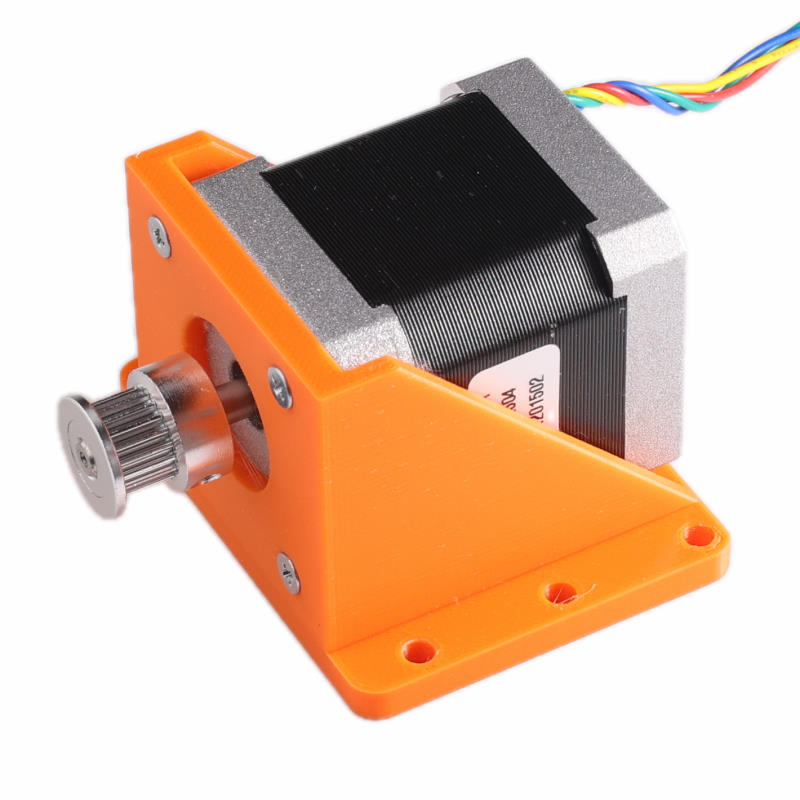
2×2 Stepper motor mount NEMA 17
A 2×2 Insert for a NEMA 17 stepper motor. Mount the motor with M3 Countersunk Screws (10mm length).
Download the STL file: Insert 2×2-Steppermotor-mount.stl
3×2 Arduino Mega.
A 3×2 Insert for an Arduino Mega or alternative with the same form factor. An Arduino Uno also fits. You don’t have to reprint if you want to start with an Uno and upgrade to a Mega.
Download the STL file: Insert 3×2 Arduino Mega Uno.stl
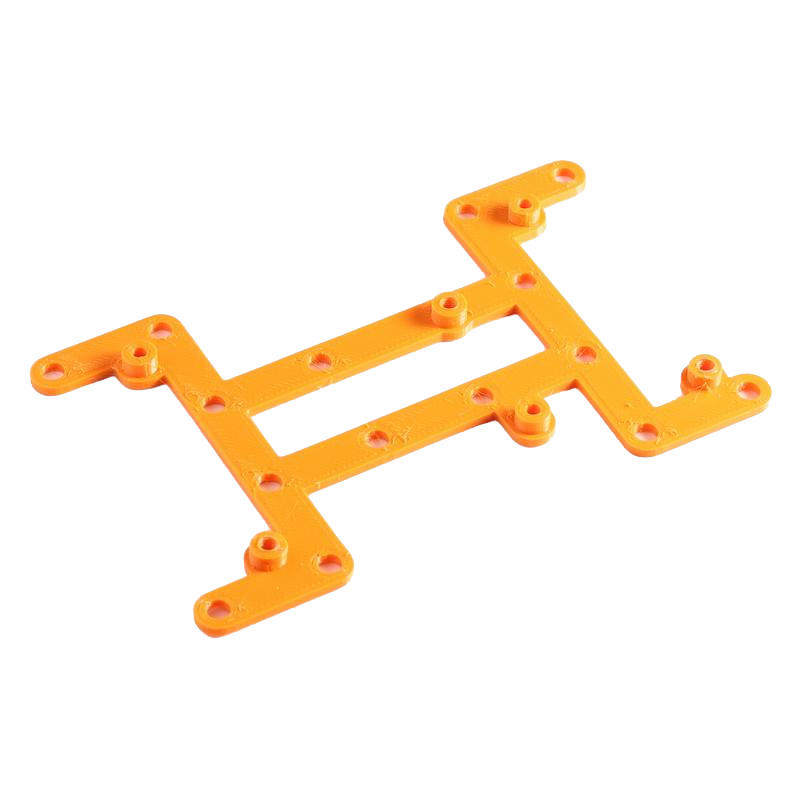
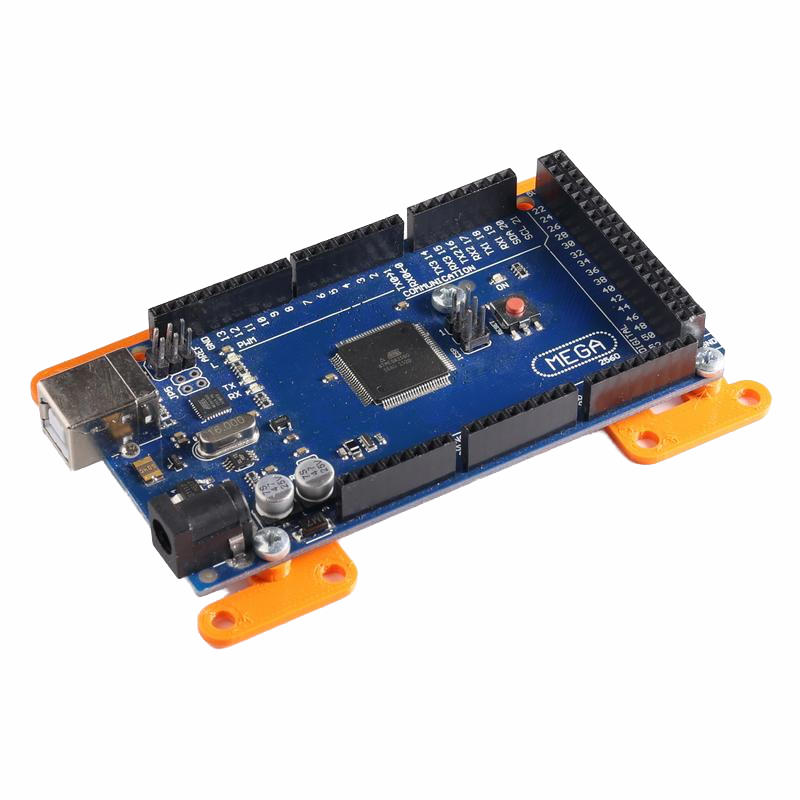
3×2 DIKAVS Proto Board.
A 3×2 Insert for a Proto Board from DIKAVS.
Download the STL file: Insert 3×2 dikavs board small.stl
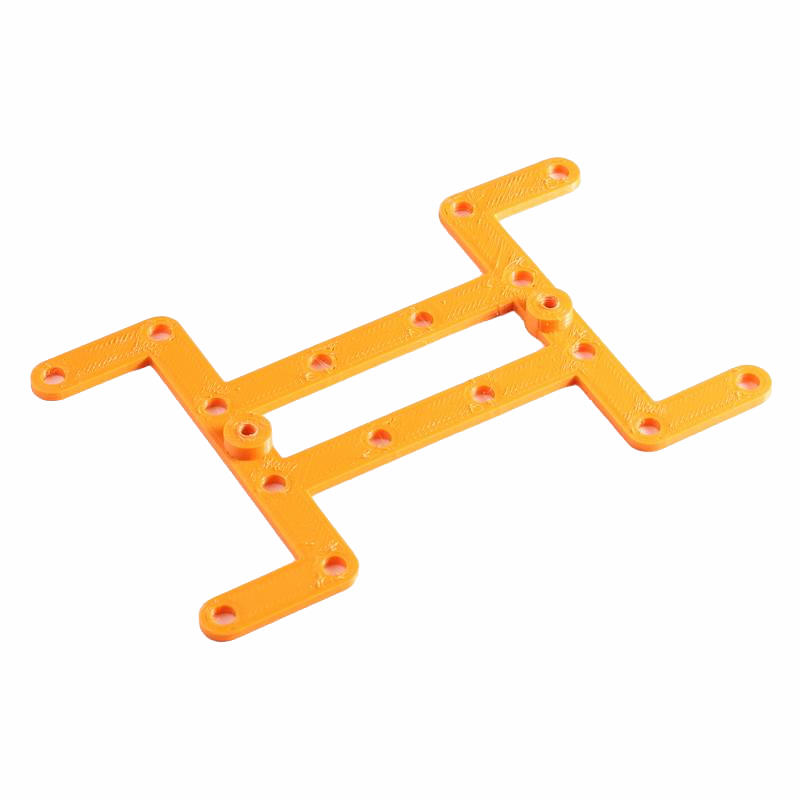
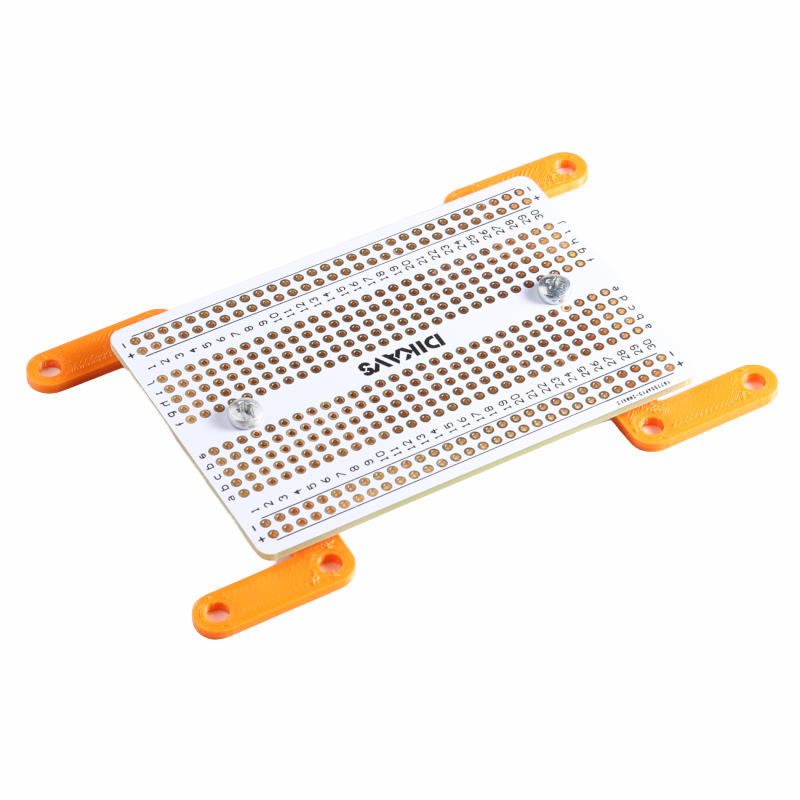
3×2 Development board 60mm x 60mm.
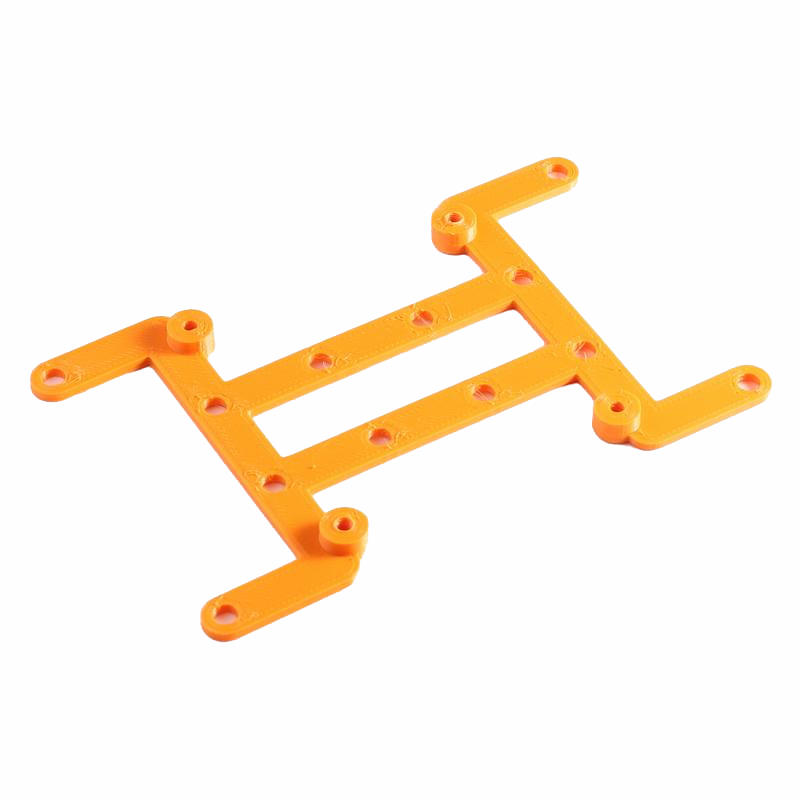
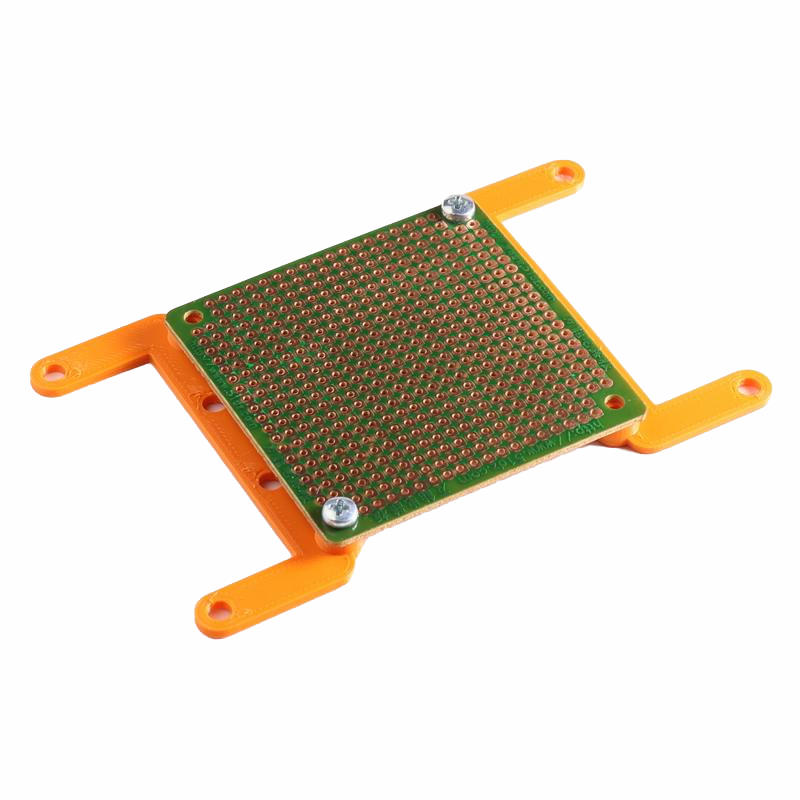
A 3×2 Insert for a development board. The hole distance is 52 mm x 52 mm.
Download the STL file: Insert 3×2 PCB 52×52.stl
3×2 Breadboard
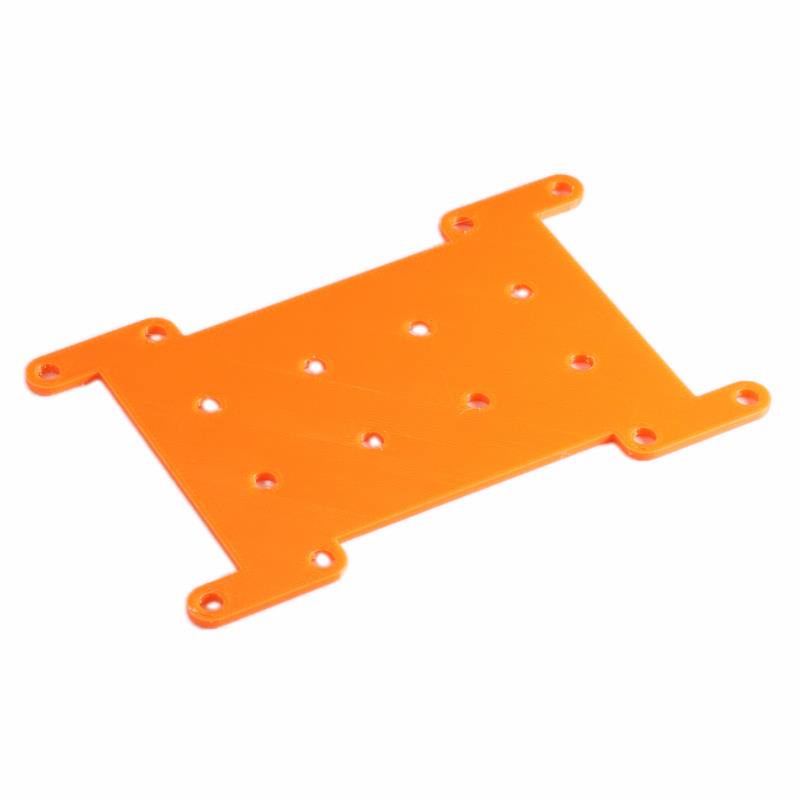
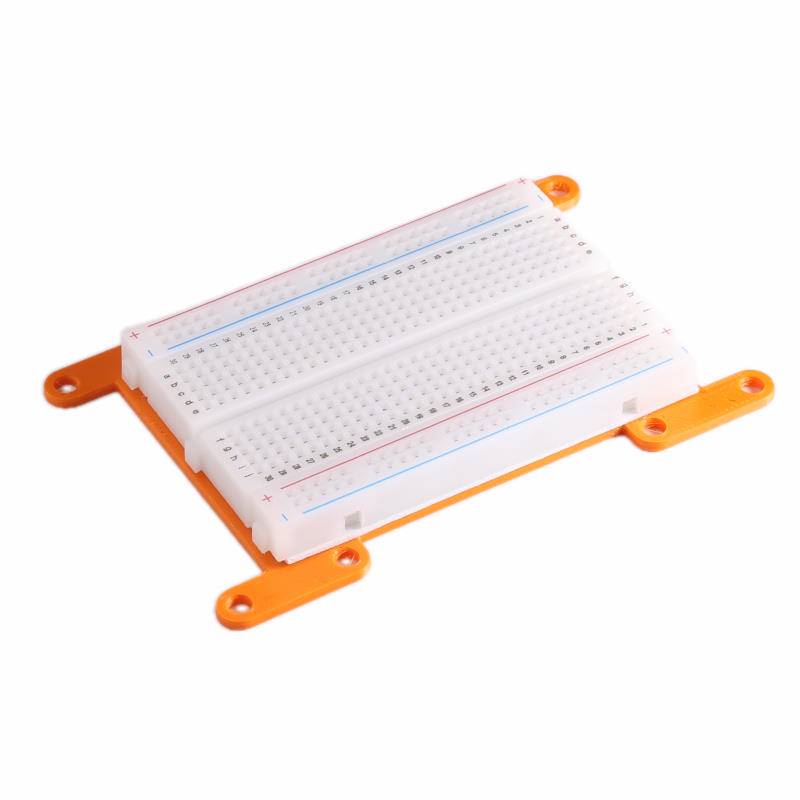
A 3×2 Insert for a protoboard. Use double-sided tape to mount the board on the Insert. This will probably already be on the back of the breadboard when buying.
Download the STL file: Insert-3×2-Breadboard.stl
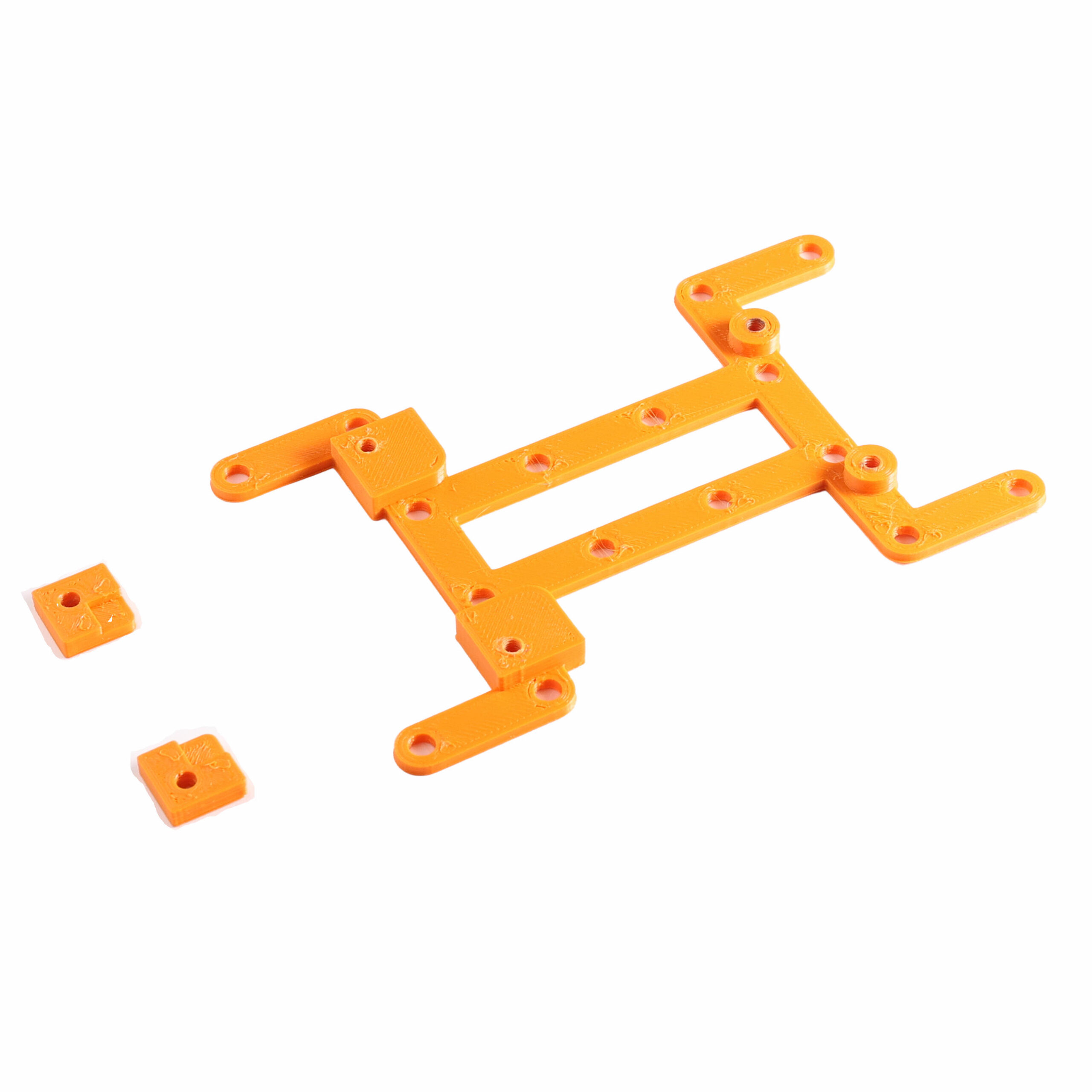
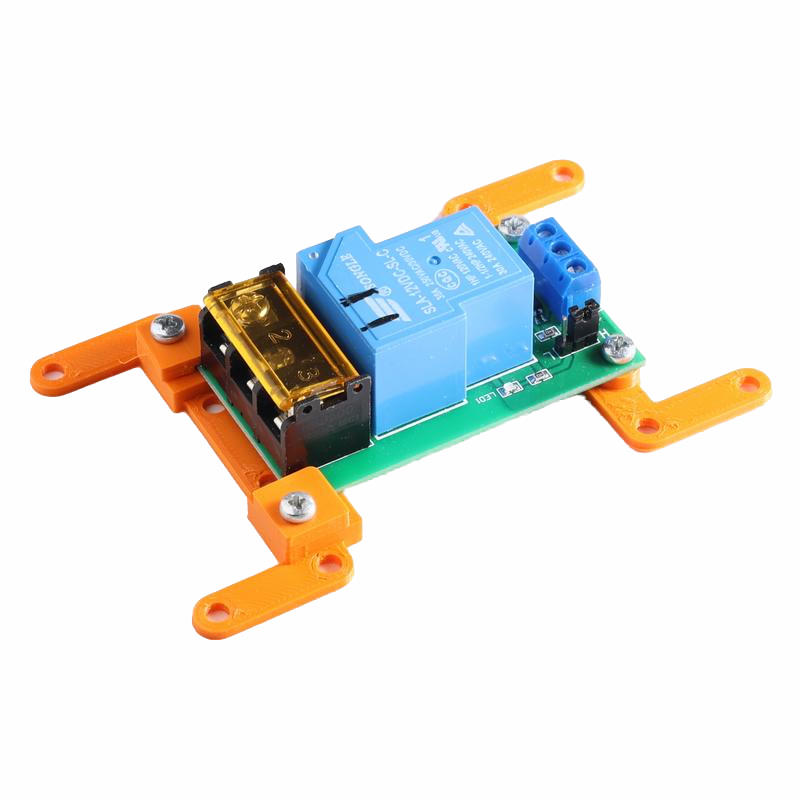
3×2 Relay 30 Amp.
A 3×2 Insert for a 30 Amp Relay. This insert is a 3-part print because there are only mounting holes on 1 side.
Download the STL file: Insert 3×2 Relay High Power.stl
Download the mount STL file: Insert 3×2 Relay High Power mount.stl (Print 2x)
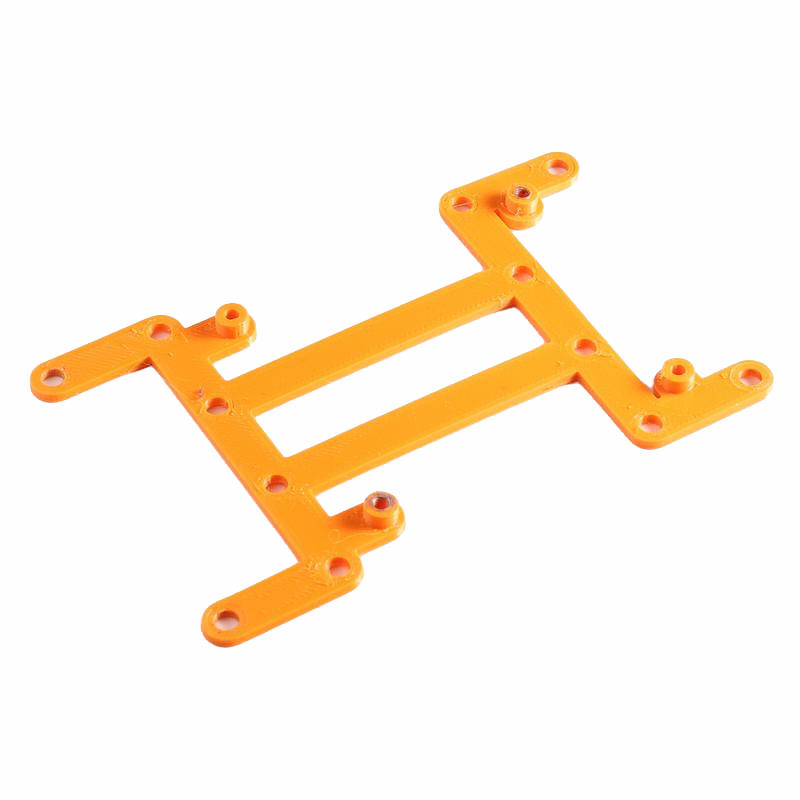
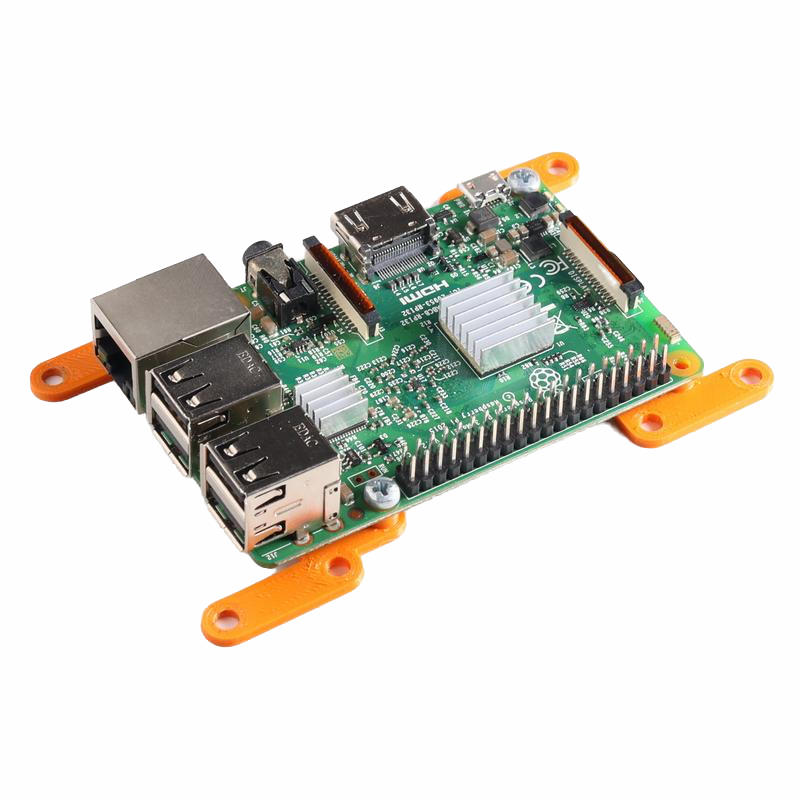
3×2 Raspberry Pi.
A 3×2 Insert for a Raspberry Pi.
Download the STL file: Insert 3×2 Raspberry Pi 3 Model B V1.2
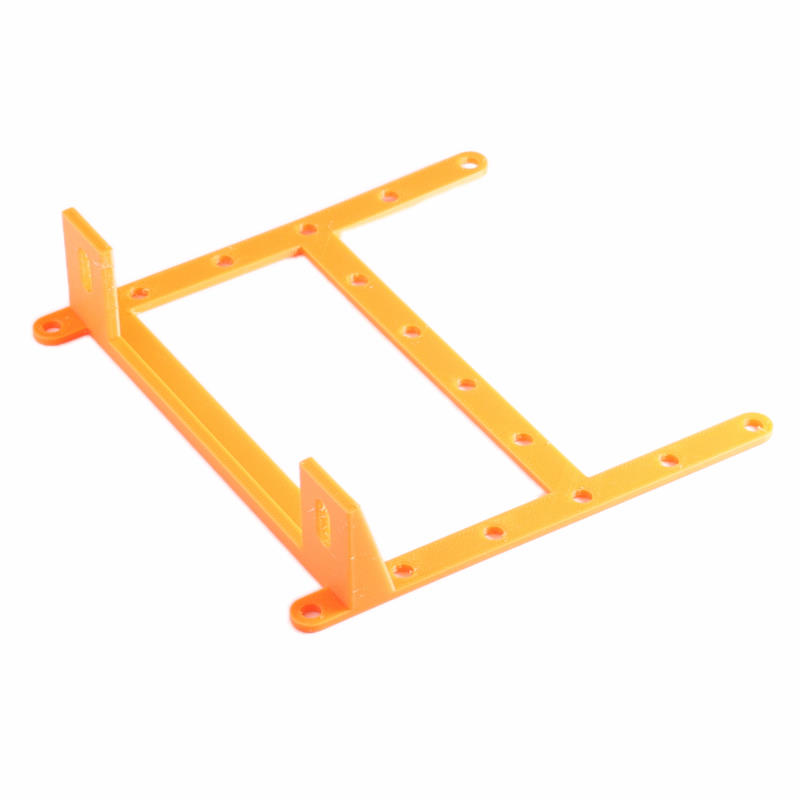
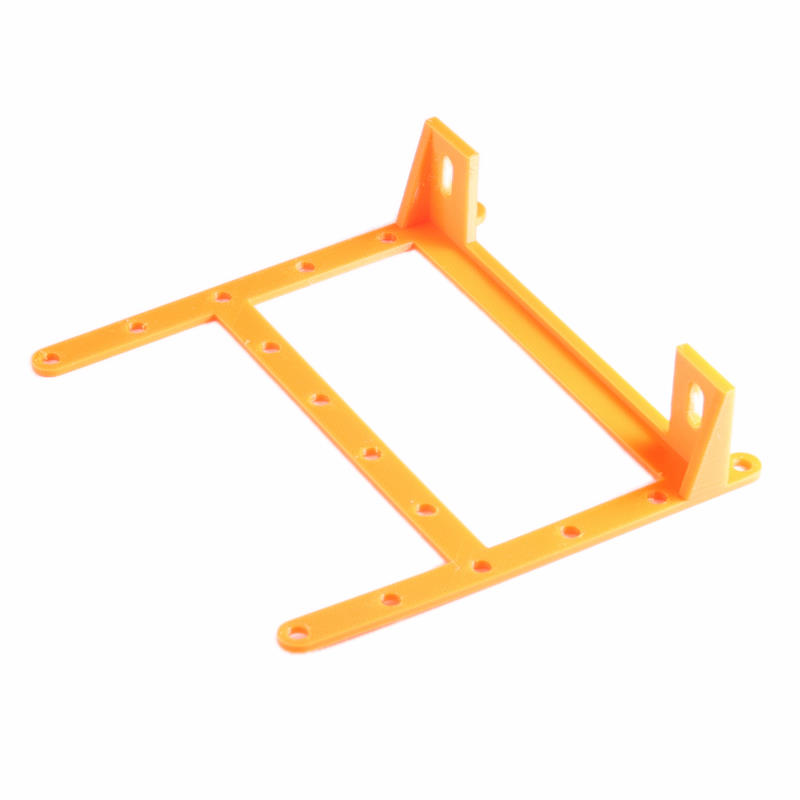
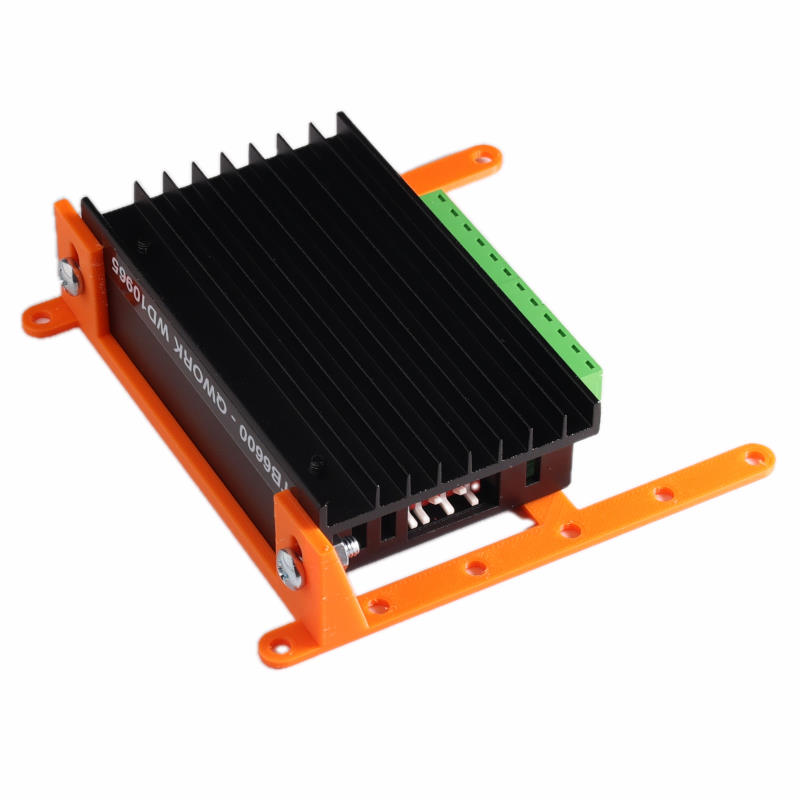
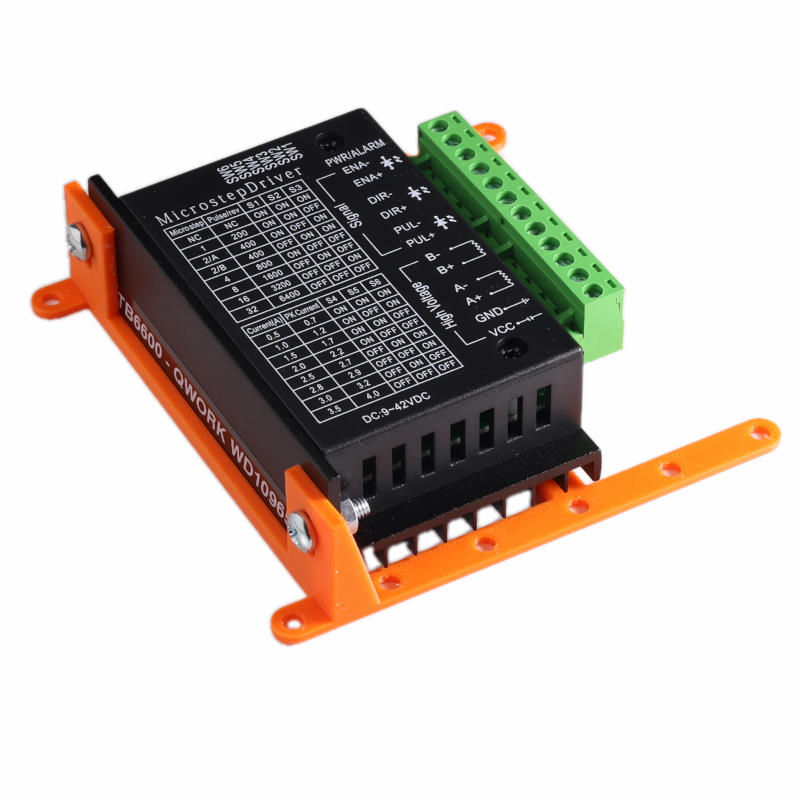
3×3 Motor Driver TB6600
A 3×3 Insert for a TB6600 (Qwork WB10965) motor driver. Use an M4 nut and bolt to mount the driver. The front of the driver is slightly tapered, so when mounting the driver with the text at the top, the driver is slightly higher at the terminal side.
Download the STL file: Insert-3×3-Motor-Driver.stl
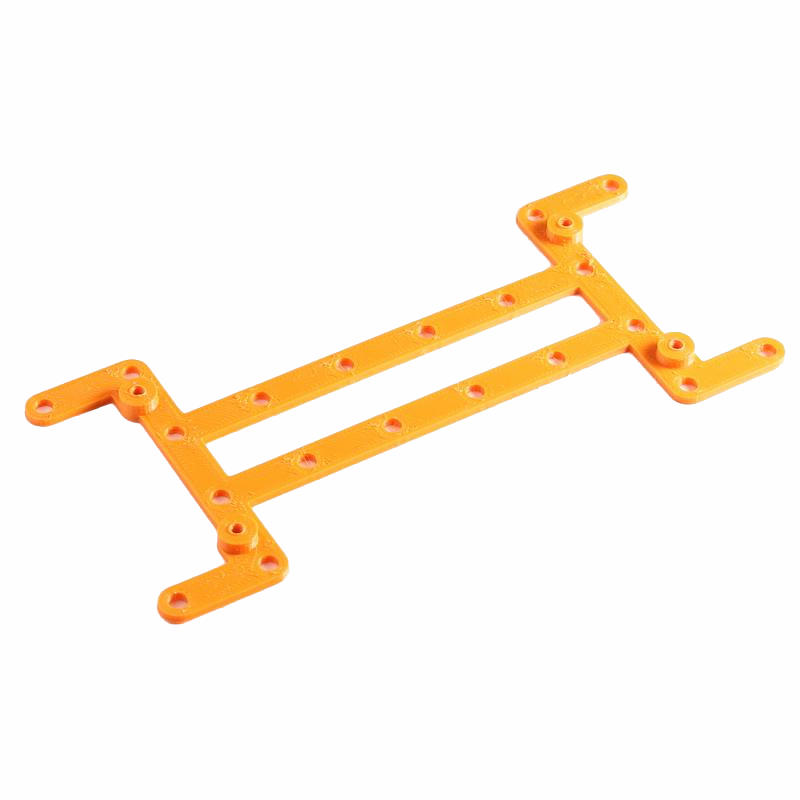
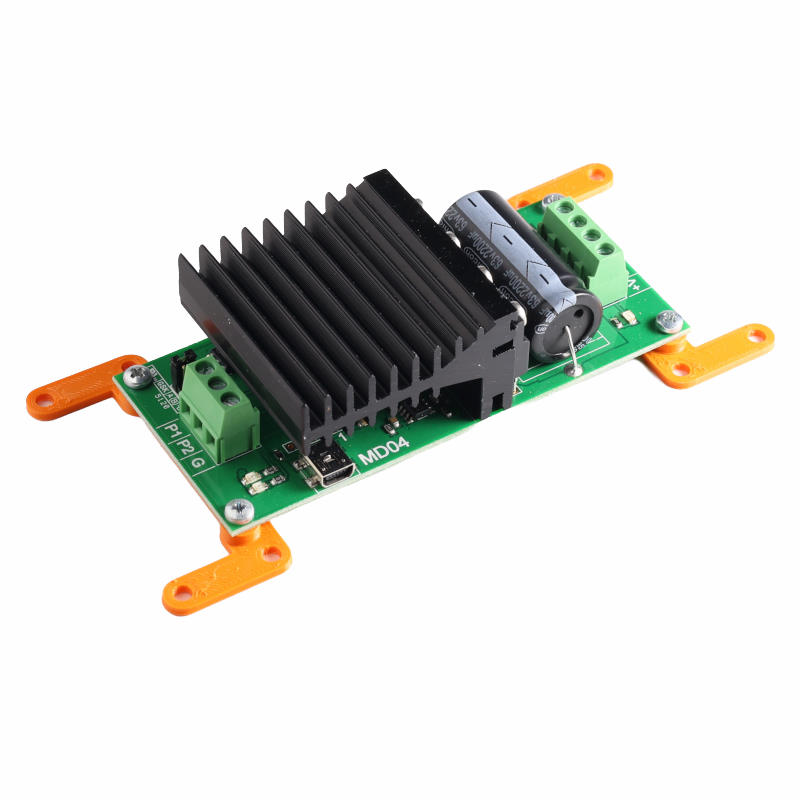
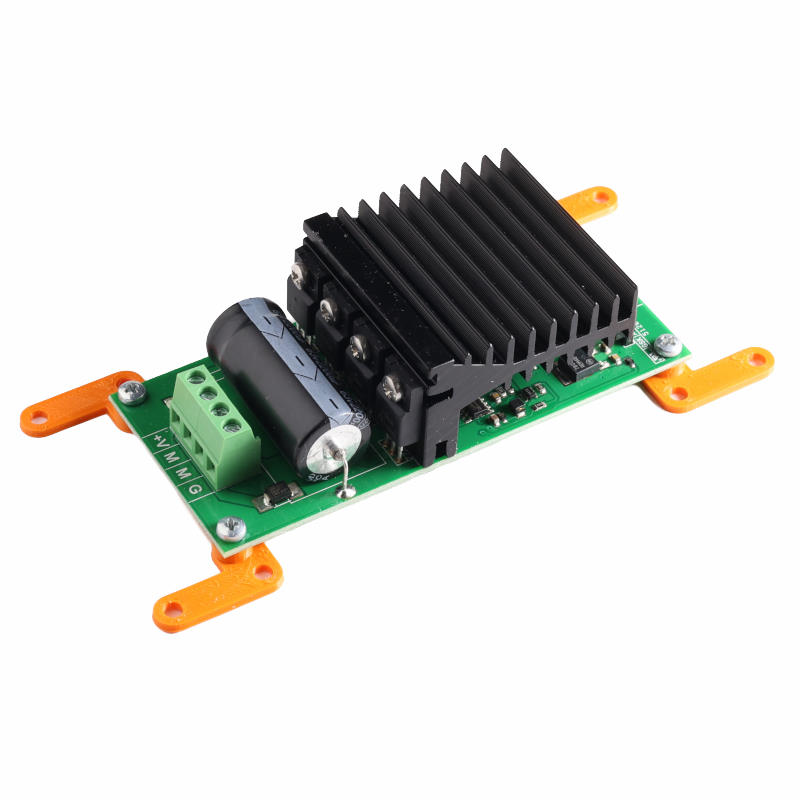
4×2 Motor Driver MD04
Insert for the MD04 Motor driver.
Download the STL file: Insert 4×2 MD04.stl
5×2 Breadboard
Insert for a breadboard. The breadboard is mounted with double-sided tape. This will probably already be on the back of the breadboard when buying.
Download the STL file: Insert-5×2-Breadboard.stl
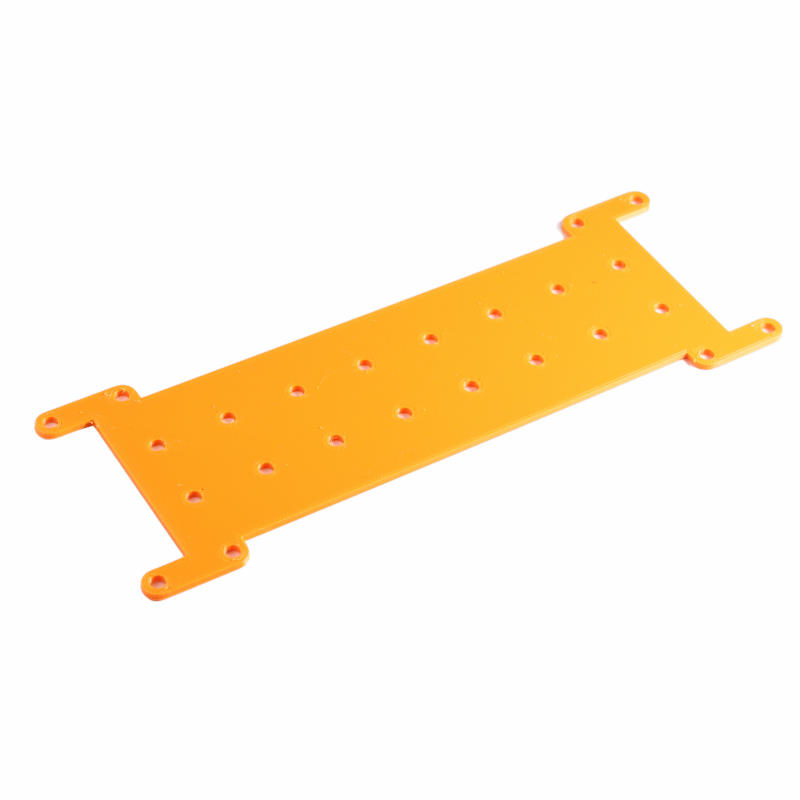
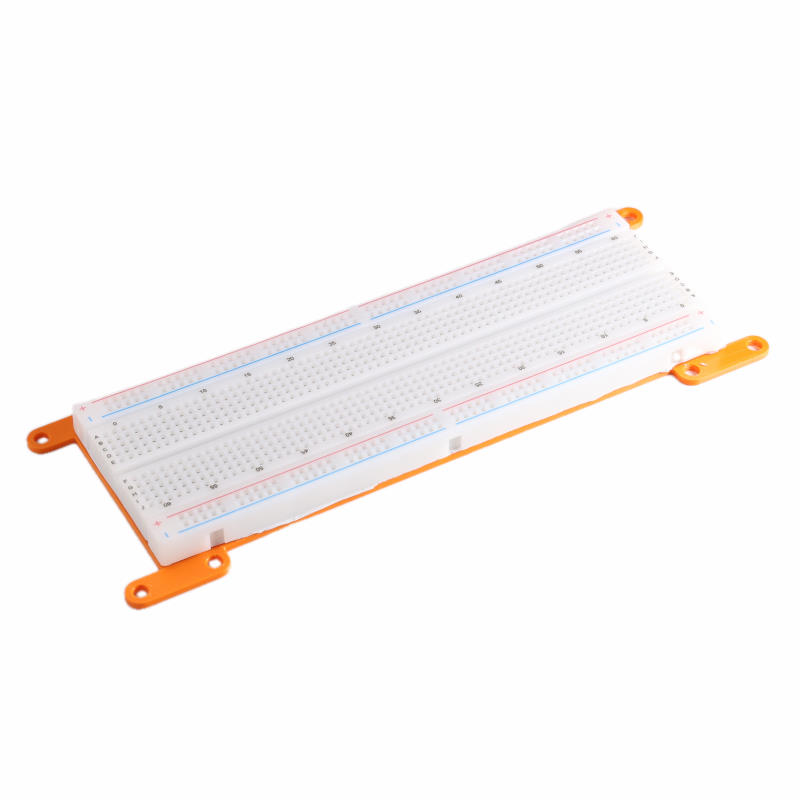
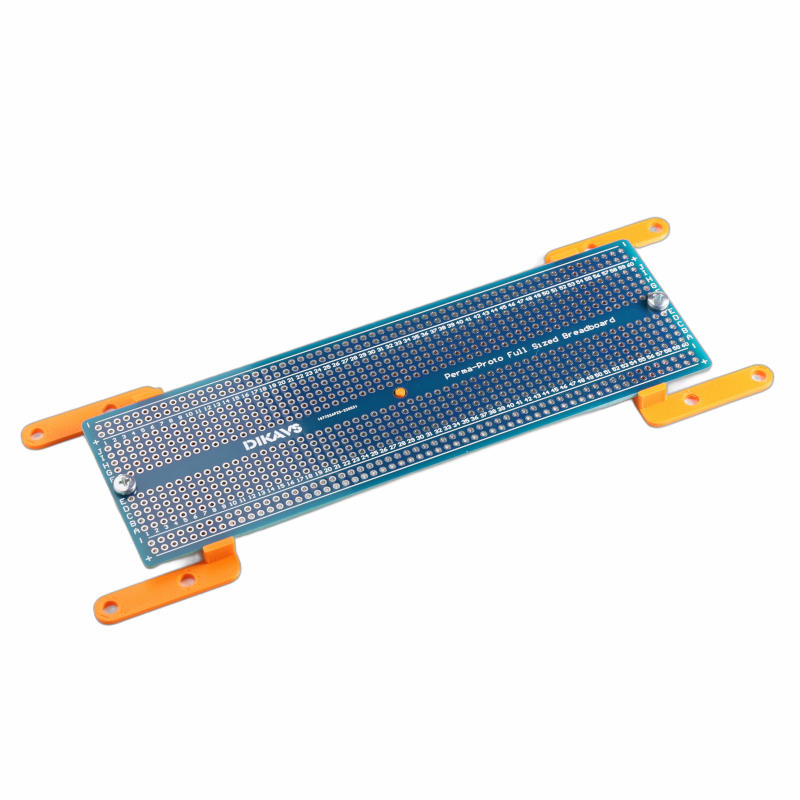
5×2 Dikavs Protoboard full size
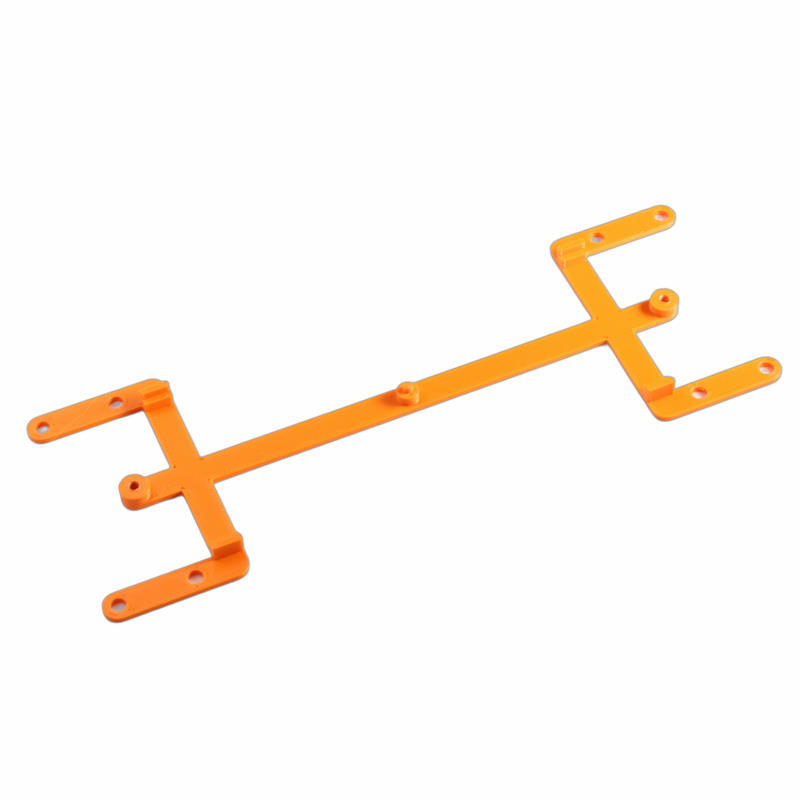
This is an insert for a Dikavs Protoboard. The breadboard is mounted with two M3 bolts, and the middle hole is supported.
Download the STL file: Insert-5×2-Dikavs-proto-full-size-board.stl
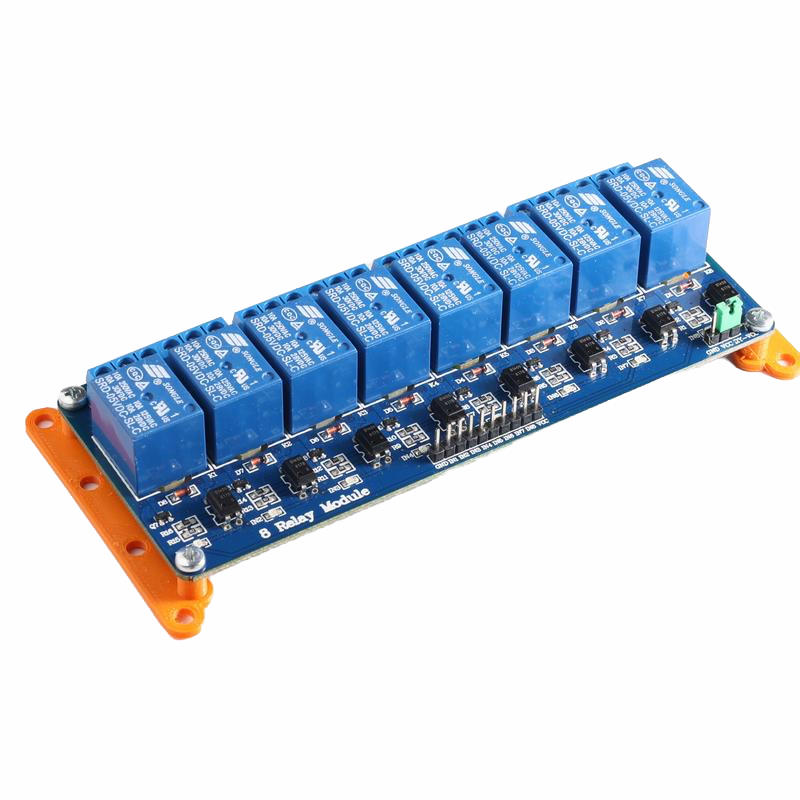
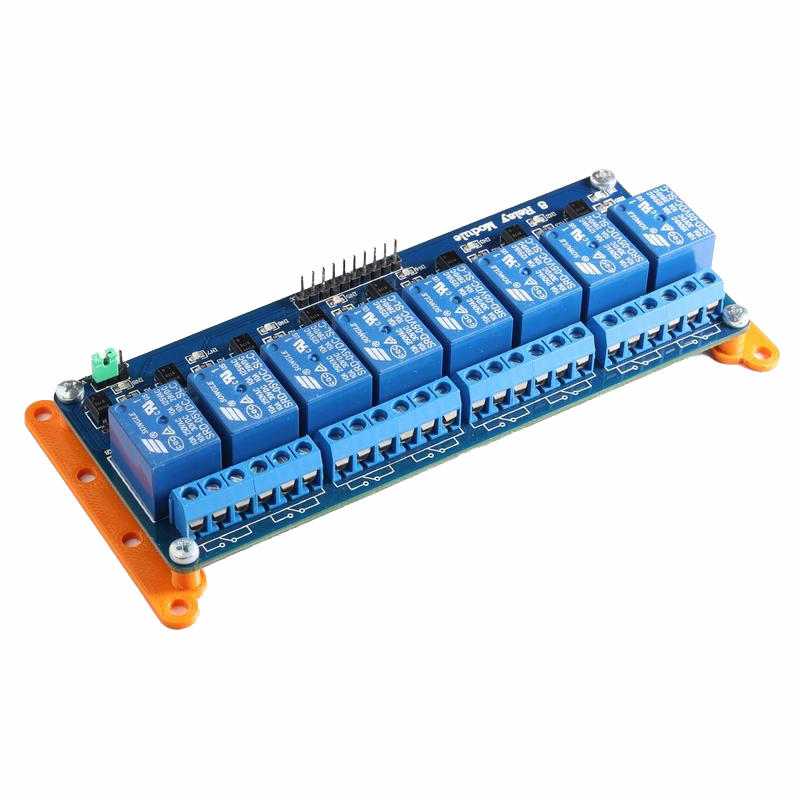
4×2 Relay Board 8
Insert for a relay board with eight relays.
Download the STL file: Insert 4×2 Relay board 8.stl
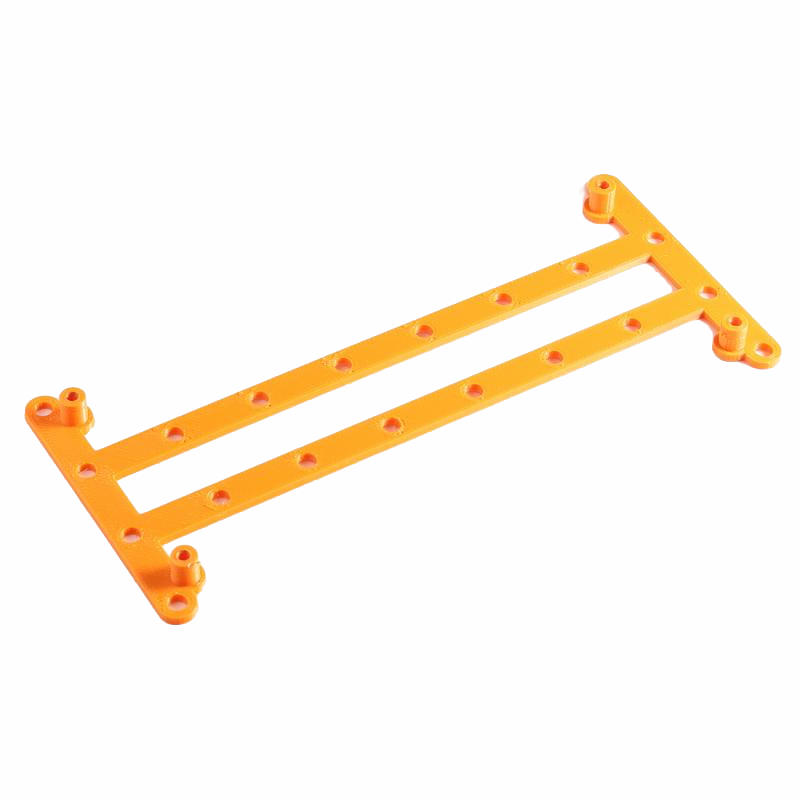
5×3 Double Breadboard
Insert for 2 breadboards connected together. The breadboard is mounted with double-sided tape. This will probably already be on the back of the breadboard when buying.
In the example below, 1 power bar is moved from the middle to the side. This way, it makes it possible to mount an ESP VROOM board on the breadboard.
Download the STL file: Insert-5×3-Double-Breadboard.stl